
Beta

Join the Return beta

The beta is free. TestFlight is Apple’s way to install Return before the App Store release. It will not replace anything on your phone, and you can leave any time.

Already have TestFlight? Open the Return invite

  1. 1

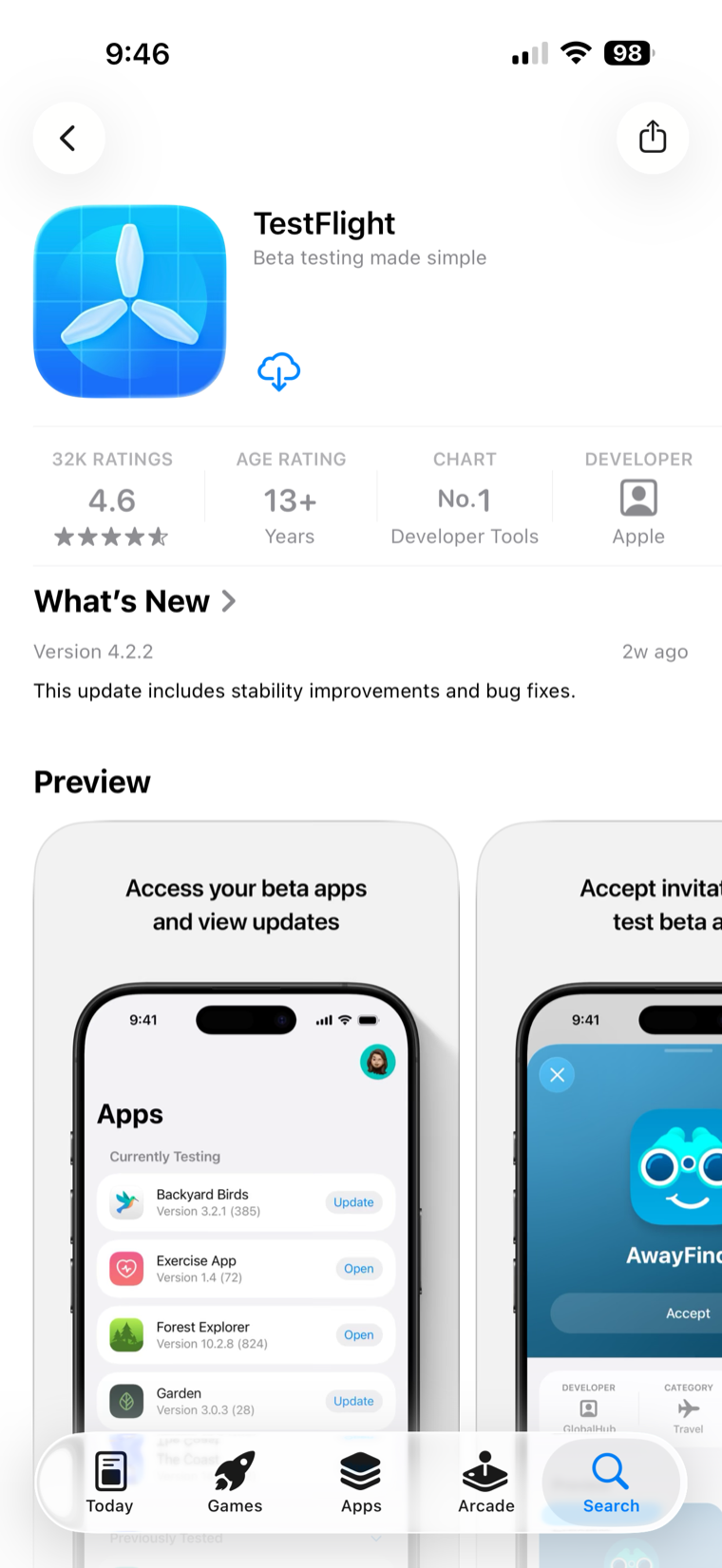
    Install TestFlight

    Free from the App Store. You only do this once.

    Install TestFlight
    The App Store page for TestFlight — tap Get to install Apple’s free TestFlight app.
  2. 2

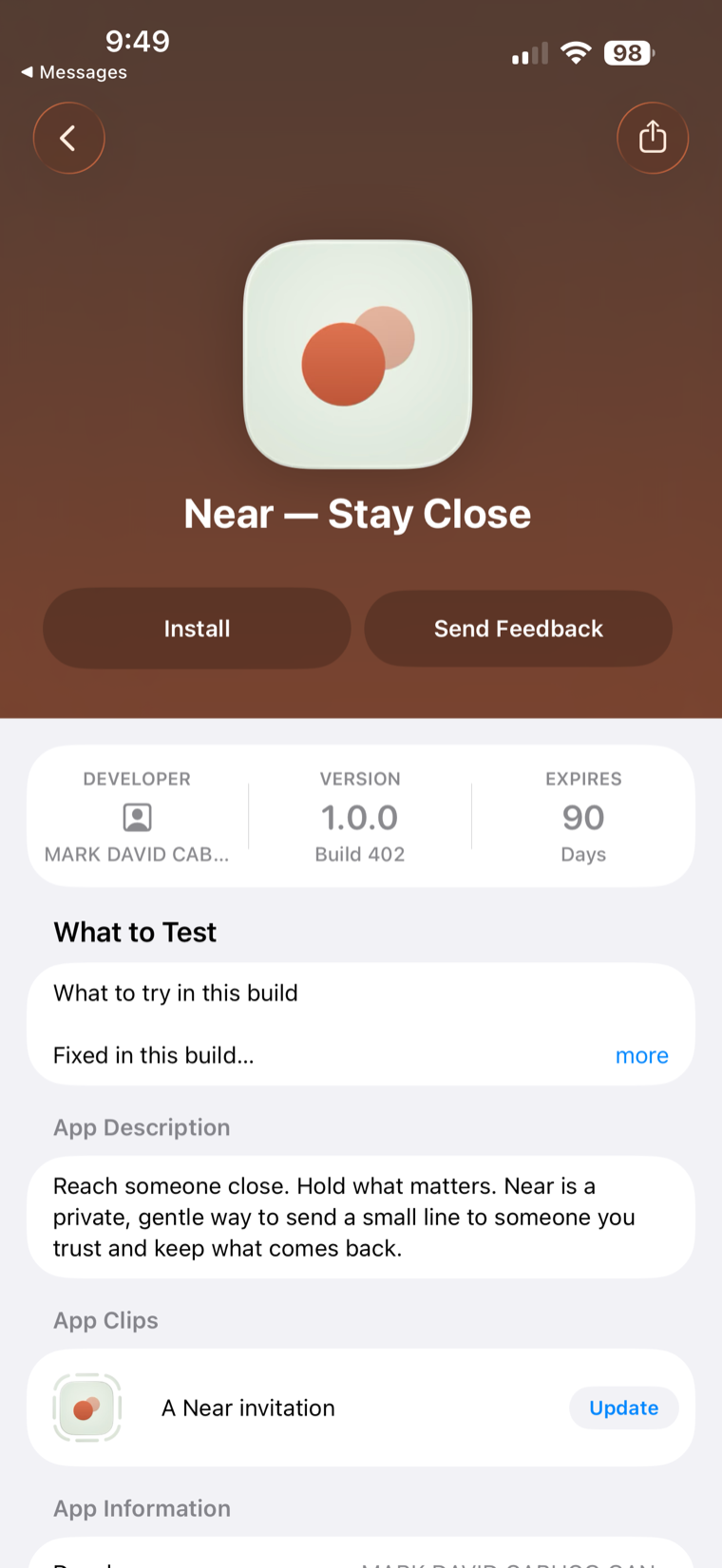
    Open the Return invite

    It opens in TestFlight and adds Return to your iPhone.

    Open the Return invite
    A TestFlight invite — tap Install to add Return to your iPhone.
  3. 3

    Open Return

    Find Return on your Home Screen, or open it from TestFlight.

    Open Return
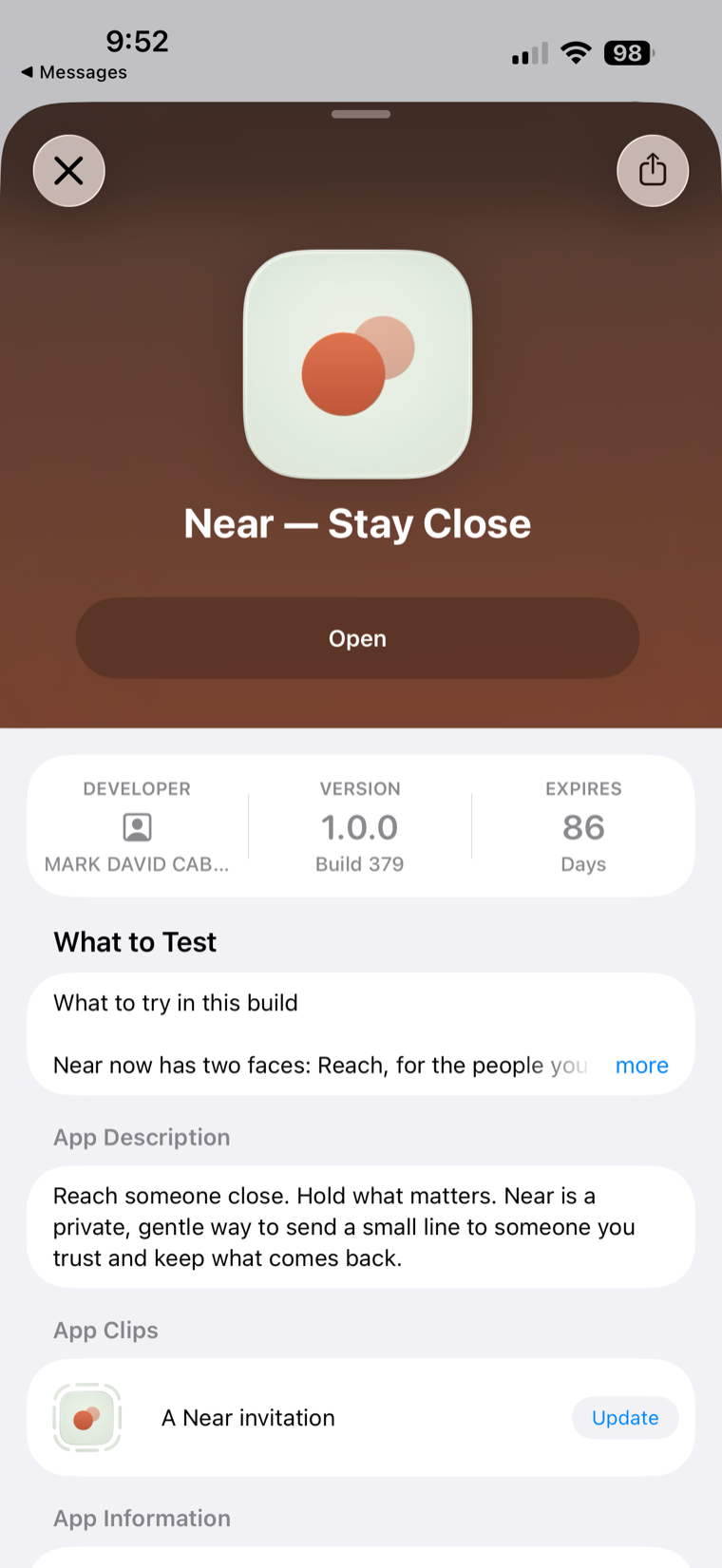
    Return added in TestFlight — tap Open to launch it.

What you might see along the way

Apple may show a “What to Test” note or a “Share Feedback” prompt. Tap Continue. You do not have to send feedback, and nothing is shared unless you choose to.

What you keep in Return stays on your device. Read the privacy boundary

On a computer?

TestFlight installs on iPhone or iPad. Send yourself this page and open it there.

https://returnnotes.app/beta/

Email it to my phone

That’s it — you’re in.

Join the Return beta

You can leave any time from the TestFlight app.