
Privacy
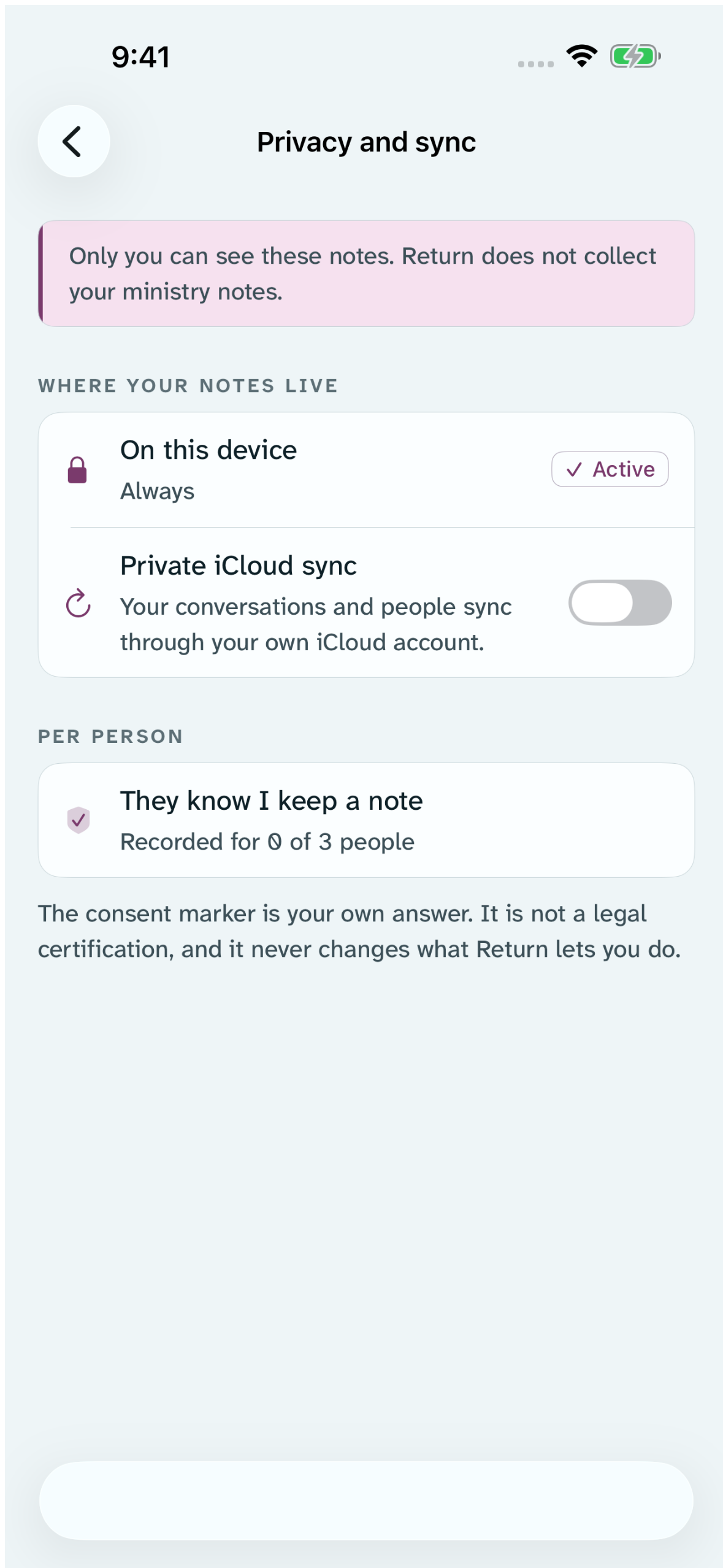
Your notes are on your device, they are yours, and you can export all of them at any time.
Return is built so the publisher stays in control of what is kept and what is removed.
On device
The core record stays on the publisher’s device. Return does not create an account or send ministry notes to a developer server. Return uses Apple’s Speech Recognition and requests on-device recognition to turn dictation into text; iOS may disclose that speech data can be sent to Apple for speech recognition. Return has no server that receives your recording, and the recording is deleted after you review the note.
Suggestions and optional Private Cloud Compute
On supported devices, Return starts with on-device Apple Intelligence and local parsers. Both on-device intelligence and optional Private Cloud Compute are part of Return’s free core on eligible Apple Intelligence devices and never require a subscription. Your original words save first. Return shows suggested details on the saved receipt before keeping them, and you can edit them later.
On eligible devices, you can allow Apple’s Private Cloud Compute when a request needs a larger model or the on-device model is unavailable. Return asks once at a moment it would help. Your choice applies only to that device and can be changed in Settings → Privacy → Intelligence. Turning it off cancels pending cloud requests. If you decline, turn it off, are offline, or Private Cloud Compute is unavailable, understanding falls back to on-device parsing and manual editing.
Only the words needed for the request are sent: a note, a search question, or a bounded selection of your own saved passages. Phone numbers, email addresses, links and messaging handles are replaced with placeholders before sending; names and other words in the selected text may remain. Audio, search embeddings, contact records, saved coordinates, photos, consent markers, Do Not Call state and Calendar content are never sent to the model. Planning requests send only generic time and travel preferences, without people, places, routes or Calendar context.
Apple states that Private Cloud Compute uses request data only to answer, does not retain it after the response and makes it inaccessible to Apple. Return’s developer never receives your words. You can read Apple’s explanation of these protections.
Do Not Call honoring
When a resident requests not to be called on, you can mark their person record or place as Do Not Call. Reminders are paused immediately and records are excluded from active door-to-door return visit lists, while remaining under your control for export or erasure.
Consent state
Every person record includes a visible, one-tap consent marker (They know I keep a note / Not recorded yet). It keeps you mindful of transparency before knocking, without nagging or blocking your workflow.
Photos and reminders
A doorway photo always opens on its description first; you tap to reveal the photo itself. Reminders and the Live Activity never show a name. Return never hides or obscures content while open or switching apps, preserving your visual context when switching between Return and companion references.
Remembered labels
Study materials and place labels you confirm can be remembered on device to speed up future entries. They stay on your device, and you still review every suggestion.
Optional private iCloud sync
Return Supporter can add private iCloud sync across the publisher’s devices using their personal iCloud container. Return’s developer cannot read your notes. If Return Supporter ends, sync stops and notes already on each device remain there.
Export
Export remains available for every record the publisher wrote in plain text, whether or not they support sync.
Erase
The publisher can review older records and erase them, or erase all data permanently, at any time. Return does not retain a separate developer copy.