
Guides · Ministry timer
Time your ministry with the timer
New in 1.8.1
The timer opens as a small sheet over what you were doing, with hours and minutes up front. When you stop it, the time is added to your month.
New in 1.8.1
Start, pause and stop
Open the timer
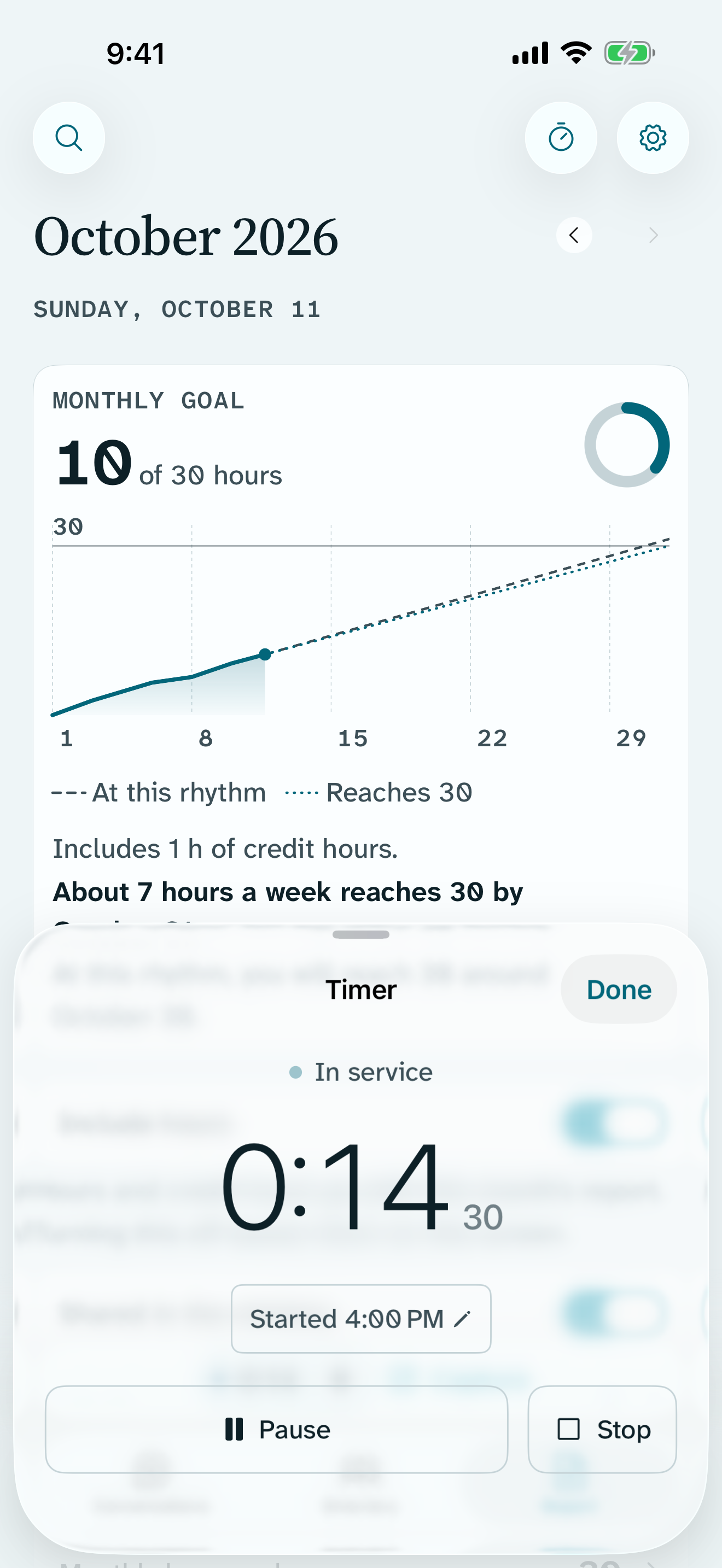
Tap the timer at the top of Conversations or Report. It opens as a small sheet, and the screen you were on stays usable.
Start it
Tap Start. While it runs, the bottom of the screen shows the time beside Capture, and it counts up in the Dynamic Island.
Started earlier?
Tap Started and the time to move the start back by 5, 10, 15 or 30 minutes.
Stop it
Tap Stop. Return says how much was added to the month, such as 1:45 added to October, and asks Anything to remember? Speak a note, or tap Not now.
New in 1.8.1
Without opening Return
From the Lock Screen
While the timer runs, the Lock Screen and Dynamic Island show In service or Paused, with Pause and Stop buttons.
From your Watch
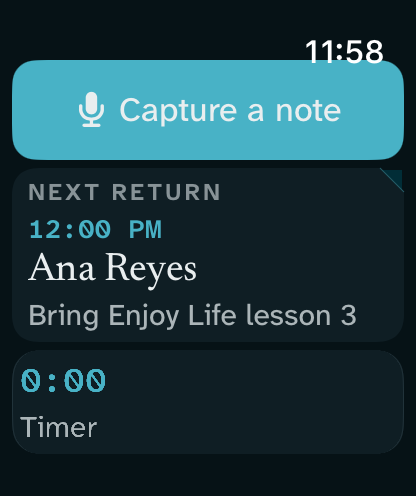
Open Return on Apple Watch to start, pause or stop the same timer.
From Control Center
Add the Ministry timer control to Control Center to start or pause it in one tap.
See your day
Pull the timer sheet up to see today on a ruler: each stretch you recorded, and the one running now.
What stays on your device
- Your time stays on this device. With iCloud sync on, it reaches your other devices through your own iCloud account.
- The Lock Screen and Dynamic Island show only the time and its state, never a name or a note.
Free
- The timer on iPhone, iPad and Apple Watch
- Lock Screen and Dynamic Island controls
- The Ministry timer control
With Return Supporter
Nothing here needs Supporter. All of it is free, and stays free.